
Design Before You Dig
Design Your Pool
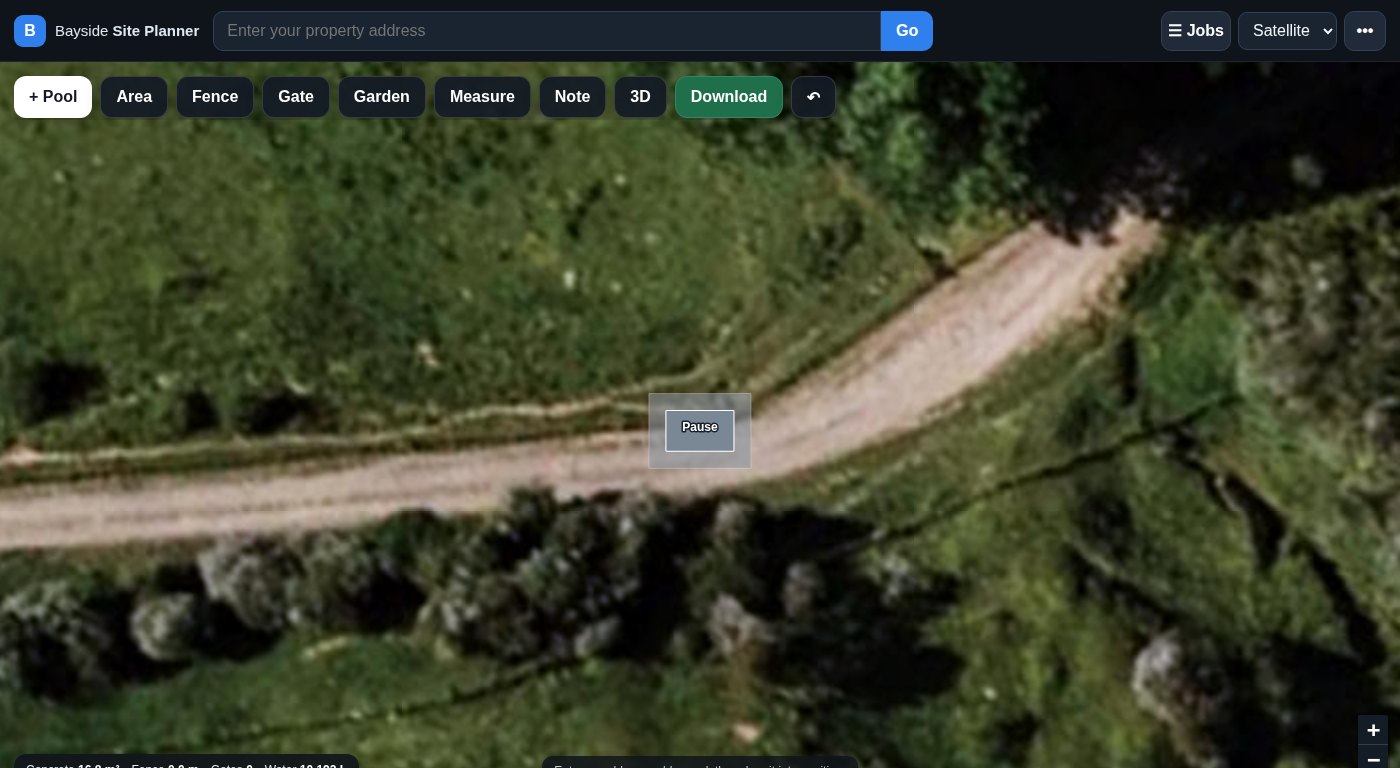
See what a Bayside pool looks like in your own backyard before you commit to anything. Search your address, drop a pool onto your section, and take a look at it in 3D.
A 40-second look at how the planner works — from address search to 3D.
How it works
-
Search your address
The map opens on your own section using satellite imagery, so you are looking at your yard rather than a generic plan.
-
Drop a pool in
Choose a size from our range, then drag it around your section until it sits where you want it. You can see straight away how much yard you keep around the pool.
-
Add the extras
Draw in the fence, the gates and the garden so you are picturing the finished layout, not just the pool.
-
Take a look in 3D
Switch to the 3D view and move around your new pool to see how it will look from the deck, the kitchen window or the back gate.


Ready to have a play?
Open the planner, search your address and see your pool in place. It runs in your browser — nothing to download. When you have a design you like, send it through and we will price it properly for your site.
Works on your phone, tablet or computer.